
Description, screenshots and download links
IFS Lab is a tool for creating and visualizing the class of fractals known as Iterated Function Systems (IFS) using the Collage Theorem and Random Iteration Algorithm. These mathematical terms may sound intimidating, but IFS Lab works around that by presenting its user with a friendly and intuitive visual interface, keeping the math firmly behind the scenes. with it you can create many different types of images: smooth or jagged, calm or hectic, dense or sparse, natural- or artificial-looking…like these examples:
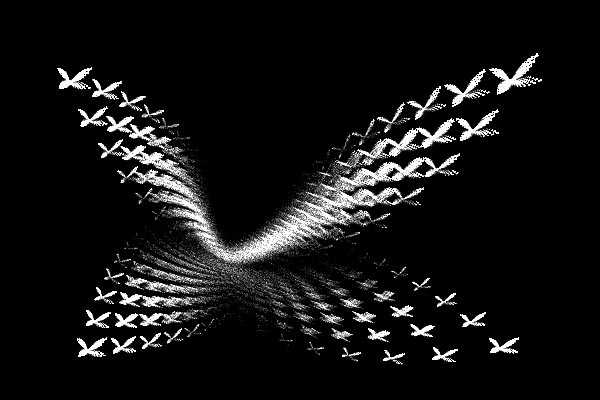
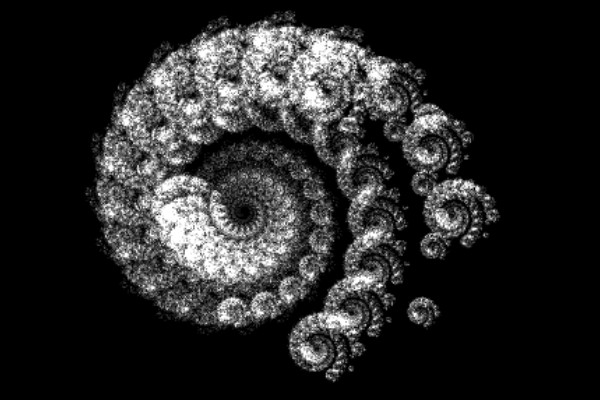
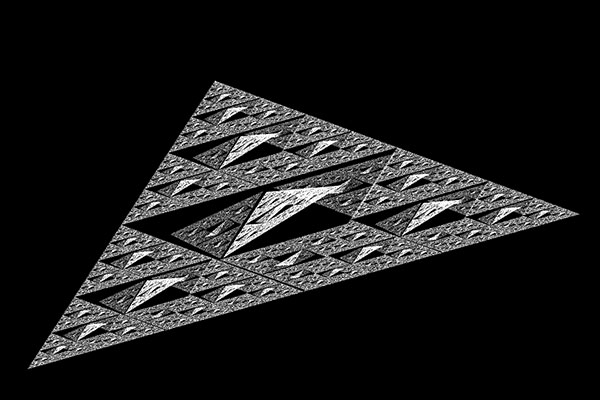
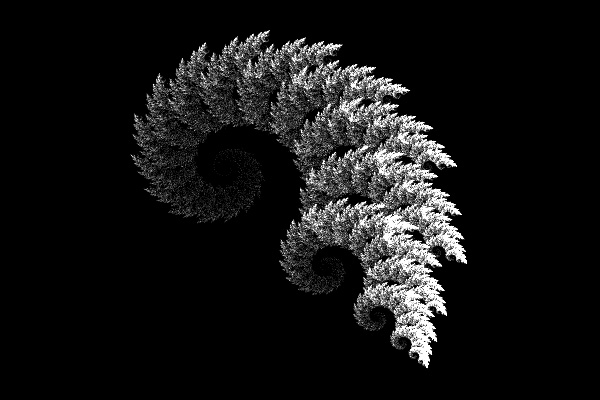
I’ve spent countless hours exploring the intricate loveliness of fractals with tools placed in the public domain by other enthusiasts… the IFS Lab Iterated Function System generator is my way of repaying this debt with the fruit of my own labors.
Program description
The program focuses on enabling direct manipulation by the user of the Collage underlying a desired IFS fractal (which is more fun than it sounds!) It provides for the convenient sketching of approximate fractal outlines by a paint-program-like user interface, and for definition of IFS Codes by a mouse-driven Collage Editor that allows the user to move, stretch and distort copies of the Outline to create the Collage. The attractor of the resultant IFS Code can be rendered in black and white (“Preview”) or in grayscale. The program can read IFS Code files generated by many other IFS programs, thus allowing them to be converted to a collage and manipulated further.
IFS Lab has three modes, which are usually used in succession, as illustrated below for the creation of the classic “fern” fractal:
Outline Editor mode:
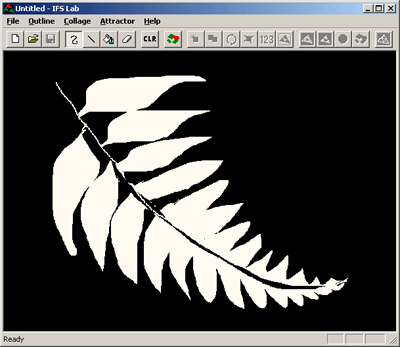
This mode allows you to draw the approximate outline of the desired fractal with the mouse, using the provided Freehand draw, Line draw, Area Fill and Erase functions.
In the screenshot, a rough sketch of a fern leaf has been drawn.
Collage Editor mode:
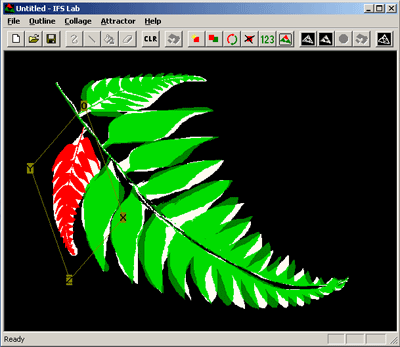
This mode enables the mouse-driven sizing, distortion and positioning of the transformed images of the outline that are tiled onto the full-sized outline to form the collage, from which the IFS transformation coefficients are computed by the program.
In the screenshot, the white outline is covered by four such “pieces”, of which the one currently being manipulated appears in red and the others in green.
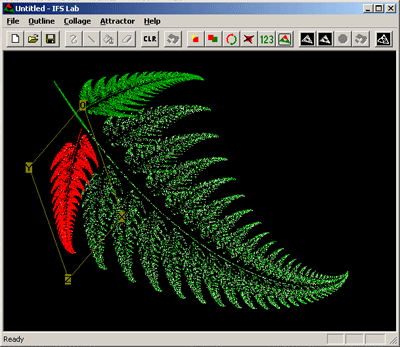
Once the outline is more or less fully covered by the pieces, you can use the Optimize function to generate a precise collage from the actual attractor of the IFS you’ve defined.
In the screenshot, the Optimize function has generated the same collage seen above, but now it uses an accurate outline that is fully covered by the green and red pieces. Now you can tweak the collage to correct any deviations from the fractal you were trying to create.
Rendering mode:
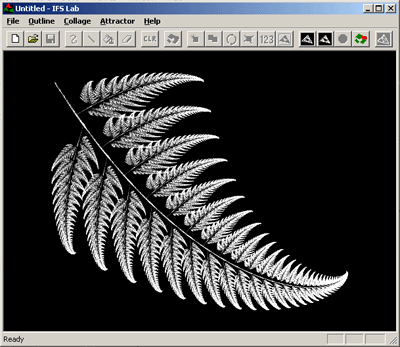
In this mode you create the attractor of the current IFS, which is rendered using the Random Iteration Algorithm.
As you see in the screenshot, this attractor is a higher-resolution, sixteen-gray-level version of the optimized collage shown above.
A lovely fern — and not a single math formula in sight!…
For more details, refer to the user documentation file, which is included in the download package. You should also check the Quick Start guide, Demo and Examples under the program’s Help menu.
Download IFS Lab
| Download for Windows | No installation necessary… just unzip the files and run the executable. |
| Download for Amiga | If you have a Commodore Amiga or emulator, you’re welcome! |
IFS Lab is Copyright © 1992-2005 N. Zeldes. All Rights Reserved. Permission is granted to enjoy and to distribute it, on a non-commercial basis, subject to the conditions listed in the documentation file included in the download package.
And if you like IFS Lab, you may also like my Game of Life freeware program, Goodlife.